Examples
This page is for Afterpay Online Developer, version Main (default).
For other versions, use one of these documentation indexes:
- Main (default): https://developers.afterpay.com/afterpay-online-developer/main/llms.txt
- v1: https://developers.afterpay.com/afterpay-online-developer/v-1/llms.txt
- Chinese: https://developers.afterpay.com/afterpay-online-developer/chinese/llms.txt
Examples on this Page:
Country Specific Configurations
🇦🇺 ⠀ Australian Merchant Example
HTML
<!doctype html><html><head><scriptsrc="https://js.afterpay.com/afterpay-1.x.js"id="afterpay-placement-script"data-min="35.00"data-max="2000.00"async></script></head><body><div class="container"><div class="ap-example"><img id="product-img" src="https://static-us.afterpay.com/docs/assets/jsfiddle/sample-product.png" alt="small bag" /><div id="product-description-wrapper"><h1>Small Backpack</h1><div class="product-price">$100.00</div><!-- Afterpay Messaging Placement--><afterpay-placementdata-locale="en_AU"data-currency="AUD"data-amount="100"></afterpay-placement></div></div></div></body></html>
Result
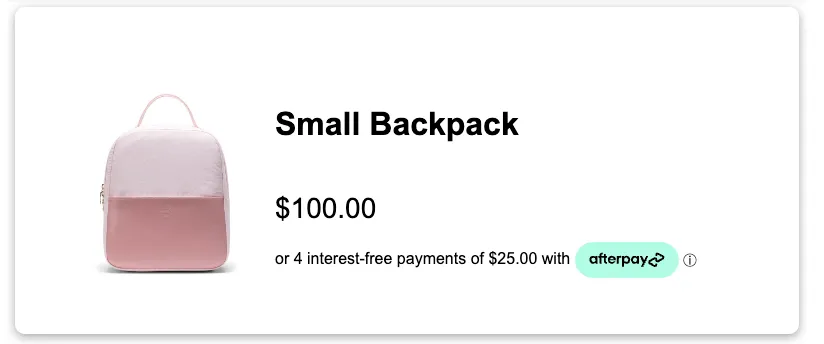
🇨🇦⠀Canadian Merchant Example
HTML
<!doctype html><html><head><!-- Afterpay.js --><scriptsrc="https://js.afterpay.com/afterpay-1.x.js"id="afterpay-placement-script"data-min="35.00"data-max="2000.00"async></script><!-- Afterpay.js --></head><body><div class="container"><div class="ap-example"><img id="product-img" src="https://static-us.afterpay.com/docs/assets/jsfiddle/sample-product.png" alt="small bag" /><div id="product-description-wrapper"><h1>Small Backpack</h1><div class="product-price">$100.00</div><!-- Afterpay Messaging --><afterpay-placementdata-locale="en_CA"data-currency="CAD"data-amount="100"></afterpay-placement><!-- Afterpay Messaging --></div></div></div></body></html>
Result
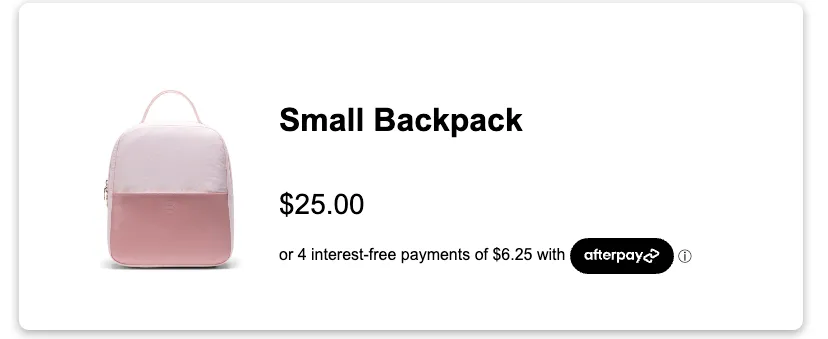
Badge Themes
Black on Mint
HTML
<!doctype html><html><head><script src="https://js.afterpay.com/afterpay-1.x.js"async></script></head><body><div class="container"><div class="ap-example"><img id="product-img" src="https://static-us.afterpay.com/docs/assets/jsfiddle/sample-product.png" alt="small bag" /><div id="product-description-wrapper"><h1>Small Backpack</h1><div class="product-price">$25.00</div><!-- Afterpay Messaging Placement--><afterpay-placement data-locale="en_US" data-badge-theme="black-on-mint" data-amount="25"></afterpay-placement></div></div></div></body></html>
Result
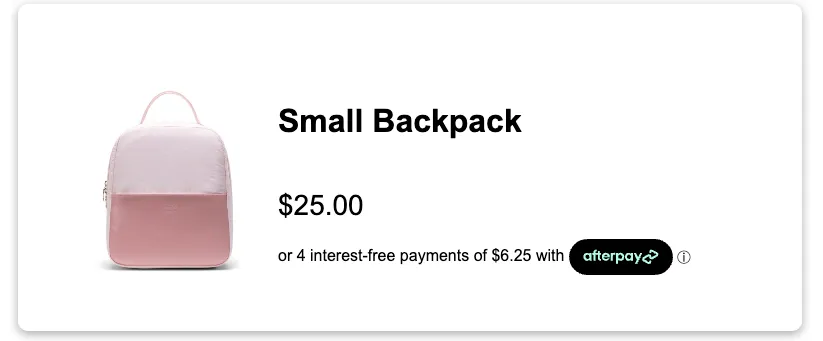
Mint on Black
HTML
<!doctype html><html><head><script src="https://js.afterpay.com/afterpay-1.x.js"async></script></head><body><div class="container"><div class="ap-example"><img id="product-img" src="https://static-us.afterpay.com/docs/assets/jsfiddle/sample-product.png" alt="small bag" /><div id="product-description-wrapper"><h1>Small Backpack</h1><div class="product-price">$25.00</div><!-- Afterpay Messaging Placement--><afterpay-placement data-locale="en_US" data-badge-theme="mint-on-black" data-amount="25"></afterpay-placement></div></div></div></body></html>
Result
White on Black
HTML
<!doctype html><html><head><script src="https://js.afterpay.com/afterpay-1.x.js"async></script></head><body><div class="container"><div class="ap-example"><img id="product-img" src="https://static-us.afterpay.com/docs/assets/jsfiddle/sample-product.png" alt="small bag" /><div id="product-description-wrapper"><h1>Small Backpack</h1><div class="product-price">$25.00</div><!-- Afterpay Messaging Placement--><afterpay-placement data-locale="en_US" data-badge-theme="white-on-black" data-amount="25"></afterpay-placement></div></div></div></body></html>
Result