

Havealook
Configure Afterpay Payment
Complete the steps below to enable the display of Afterpay as a Payment Method and the Afterpay assets on the product pages.
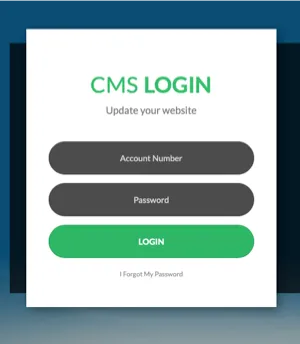
- Log in to the Havealook CMS login page.
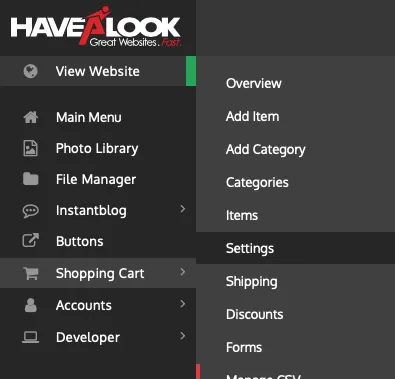
- Navigate to Shopping Cart > Settings.
- Select the Payment Gateways tab.

-
Scroll down to Afterpay Settings. Select Enable Afterpay.
-
Click Close.
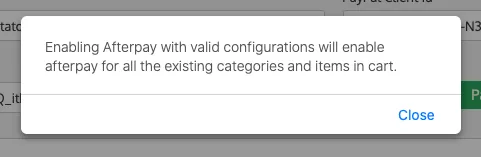
-
Ensure the Afterpay Sandbox Mode Enabled is OFF.
-
Enter the Merchant ID and Secret Key as supplied by Afterpay by email.

-
Click Get Configuration.
-
Click Save.
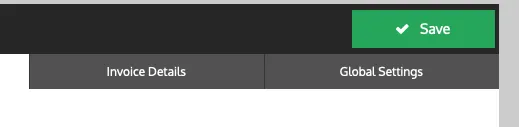
- Click Save.
Afterpay should now be installed and available for use by customers.
Afterpay should also appear on the Product pages and as a payment option on the Checkout page.
Supported Countries
Afterpay is available for Havealook merchants with a store address in:
- 🇦🇺 Australia